How a Nexomir subscription works
You pay once for your chosen period and receive login credentials—username and password for Xtream Codes, plus an M3U link. Simply enter these into a player like IPTV Smarters Pro to access live channels, on-demand libraries, and the EPG on your Smart TV, streaming stick, or mobile device. No satellite dish or technician needed. If you are new to this, start with our simple IPTV guide.
Included with every Nexomir package
Regardless of your chosen plan, you receive:
- Live TV: A wide range of international channels covering sports, movies, news, and kids‘ programming.
- On demand: An extensive library of movies and complete series.
- EPG: Program guide with catch-up on supported channels.
- Daily Support: Available via WhatsApp before and after your purchase.
- 7-day money-back guarantee: If the service doesn’t meet your expectations.
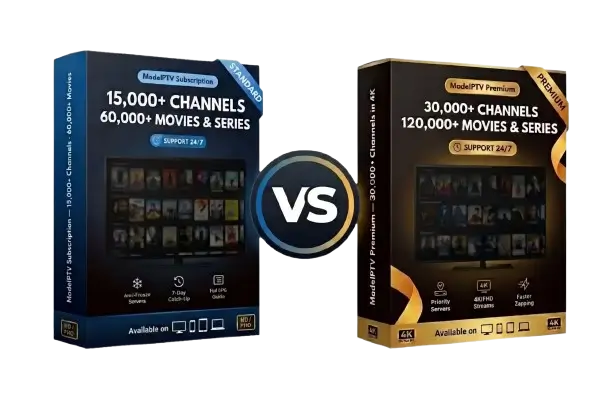
The primary difference between tiers is image quality and library size: Premium includes 4K, priority server access, and a significantly larger content catalog.
Purchasing Nexomir in three steps
- Select plan and term (3 to 24 months) in the pricing table above.
- Click „Order Now“: WhatsApp will open with your order details pre-filled; just hit send.
- Get your login within minutes and follow our installation guide for your device.
Five mistakes to avoid before paying for Nexomir or any other service
- Chasing the lowest price: Bargain basement offers rarely survive high-traffic match nights.
- Buying without a trial: A trustworthy provider will always let you test the service first.
- Ignoring device limits: One connection means one stream at a time.
- Neglecting broadband: 4K streaming requires 25–50 Mbit/s; check our traffic guide.
- Accepting auto-renewal: A prepaid, one-time package is a much safer, more transparent choice.
For more information, explore our guides on selecting an IPTV provider and identifying the best IPTV, as well as an honest review of legal considerations.
Devices and apps for Nexomir
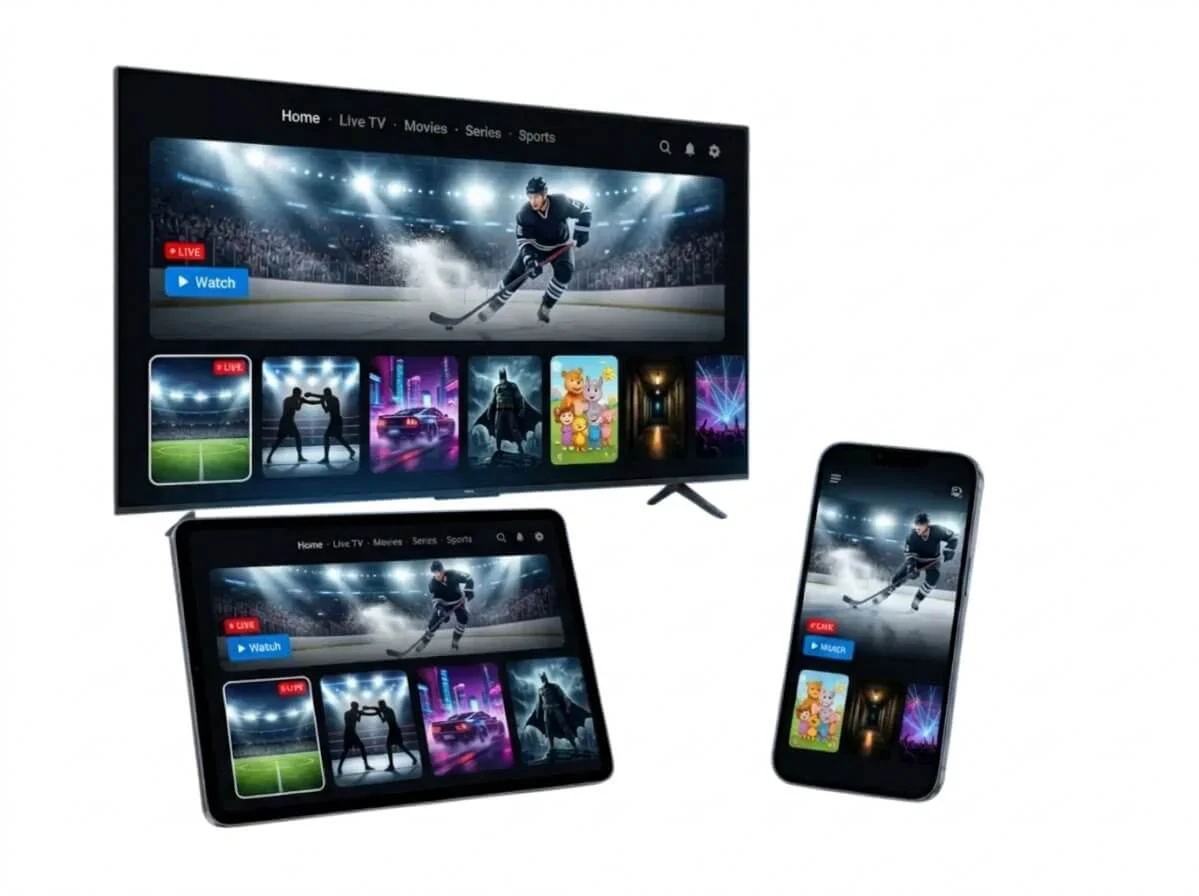
Your nexomir subscription works on every modern display with the right app:
| Device | Suggested App | Our Guide |
|---|
| Fire TV Stick | IPTV Smarters Pro, TiviMate | Fire TV Stick |
|---|
| Samsung Smart TV | IBO Player Pro, Smart IPTV | Samsung |
|---|
| LG Smart TV | IBO Player Pro, Smart IPTV | LG |
|---|
| Android TV and boxes | TiviMate, IPTV Smarters Pro | Android TV |
|---|
| Apple TV, iPhone, iPad | GSE Smart IPTV, Smarters Player Lite | Apple TV |
|---|
For a side-by-side comparison, read the best IPTV app; for an older TV, see the best IPTV box.